Activity 6.3: Camera simulator website
Getting a good exposure is a balancing act between aperture, shutter speed and ISO. If you change the value of one, you might need to adjust the others to capture the right amount of light. Camera simulators are a fun and easy way of seeing how the three exposure parameters of aperture, shutter speed and ISO work together.
The Results
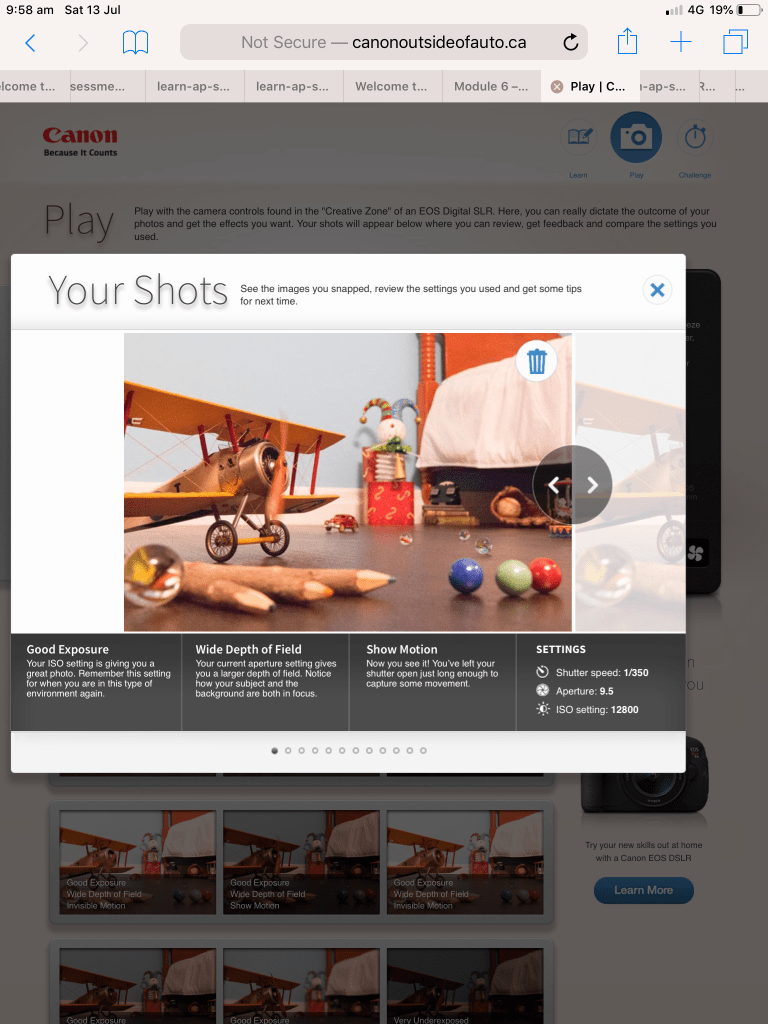
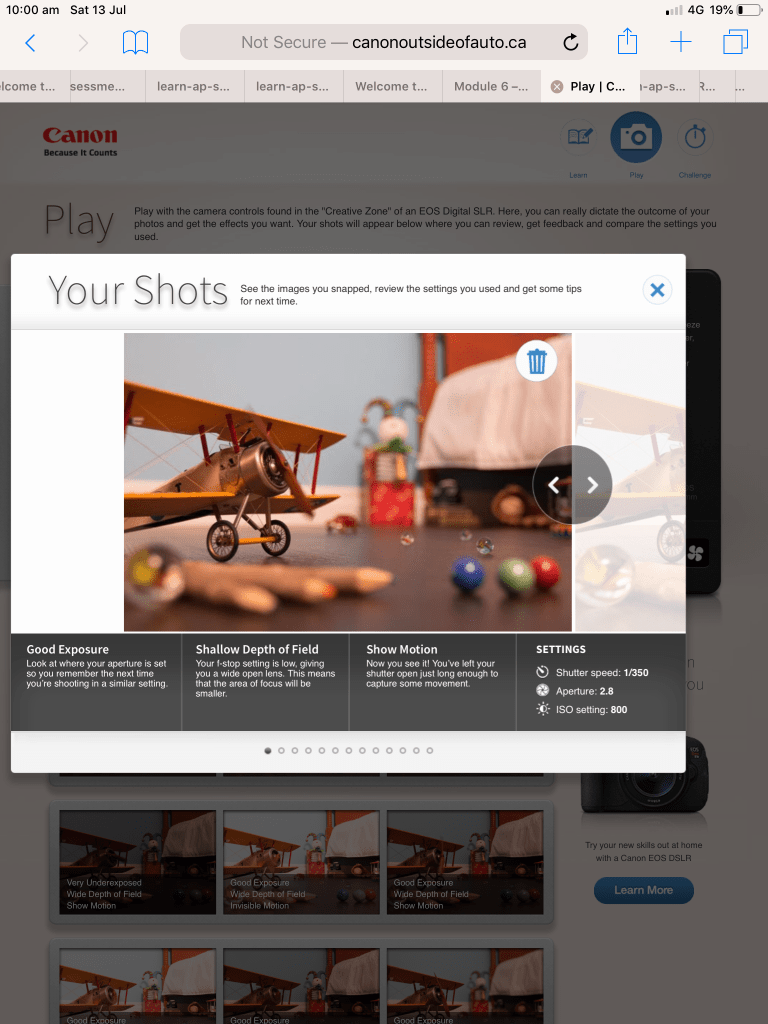
This exercise is a lot of fun and I thoroughly recommend it to anyone wanting to simulate camera effects. I’ve included the link below and I encourage you to have a play. I sat there for about an hour just moving the sliders around and I’ve included some screen shots from my ipad with some of the results.
Having moved to a Nikon from always shooting with Canon cameras from my compact IXUS , my original Canon EOS 3000 SLR Film Camera, Canon EOS 1100 DSLR ( my daughter now shoots with this while she’s learning she takes photos primarily to use a backgrounds for her animation and digital art) and My 5D mark lll (which I sadly had to sell when my daughter and I resided at Westmead Childrens Hospital for lengthy periods of time when she was first diagnosed with Crohns Disease at 9 years old) I found playing with the Canon simulator very comforting like visiting an old friend you haven’t seen in quite a while.
To adjust apture , ISO and shutter speed on the simulated just slide the controls and then click or tap the blue capture button and it will generate your result as pictured below with weather it was a good exposure and how the settings achieve the image.
The other people who reside in my house weren’t as easily amused and fascinated by the canon simulator but they’re all Minecraft addicts so pot kettle black🤪😜
http://www.canonoutsideofauto.ca/play/


 Danielle Rose Photography