Ergonomics and Workflow practices
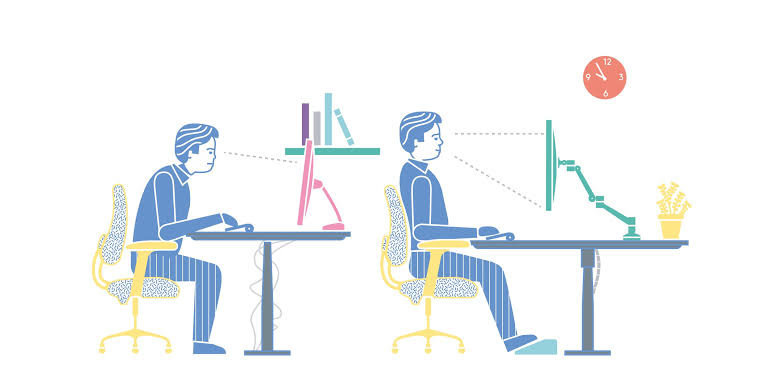
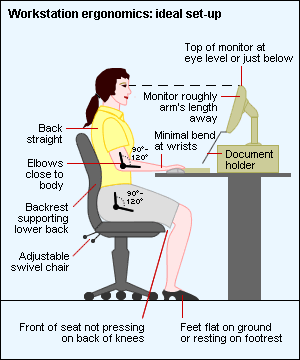
As per the instructions below module one of Digital Imaging reminds us that part of imaging includes WHS practices and management of your work flow.
Activity 1.1: Set up your workspace
Set up your own workspace according to ergonomically sustainable guidelines as outlined in the learning resources. Take both before and after photos.
I began my study Journey with a less than ideal work space and have updated to my current work space, it’s a big difference not having room for an office and studio at home anymore, we moved from a house with an office and a lot of space after my daughter became ill a number of years ago and live in housing commission accommodation. I dropped this subject last trimester after a family crisis and am picking it up again now i’ve reduced my work load and have more time to focus on assets management and studies in general
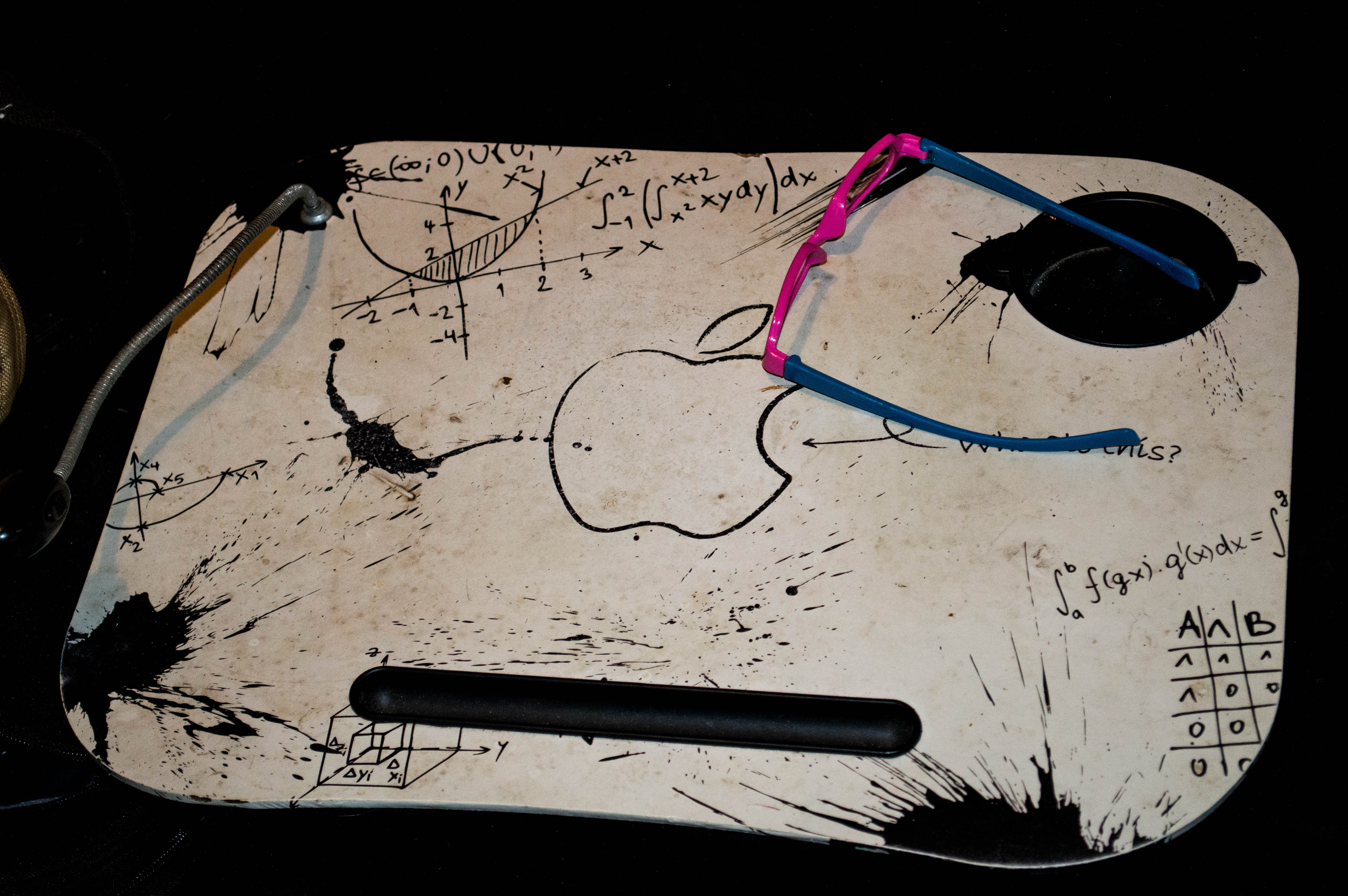
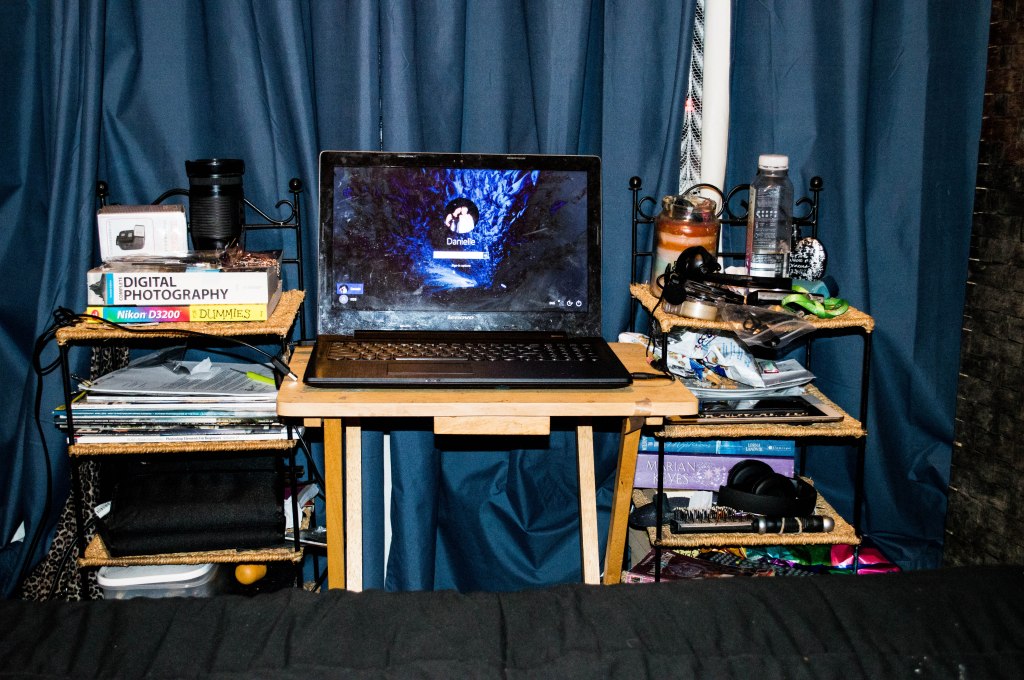
The biggest thing has been changing my work space as I really noticed the effect it was having on my back, wrists and posture. The next two photos are what i was working with from June until the beginning of September.
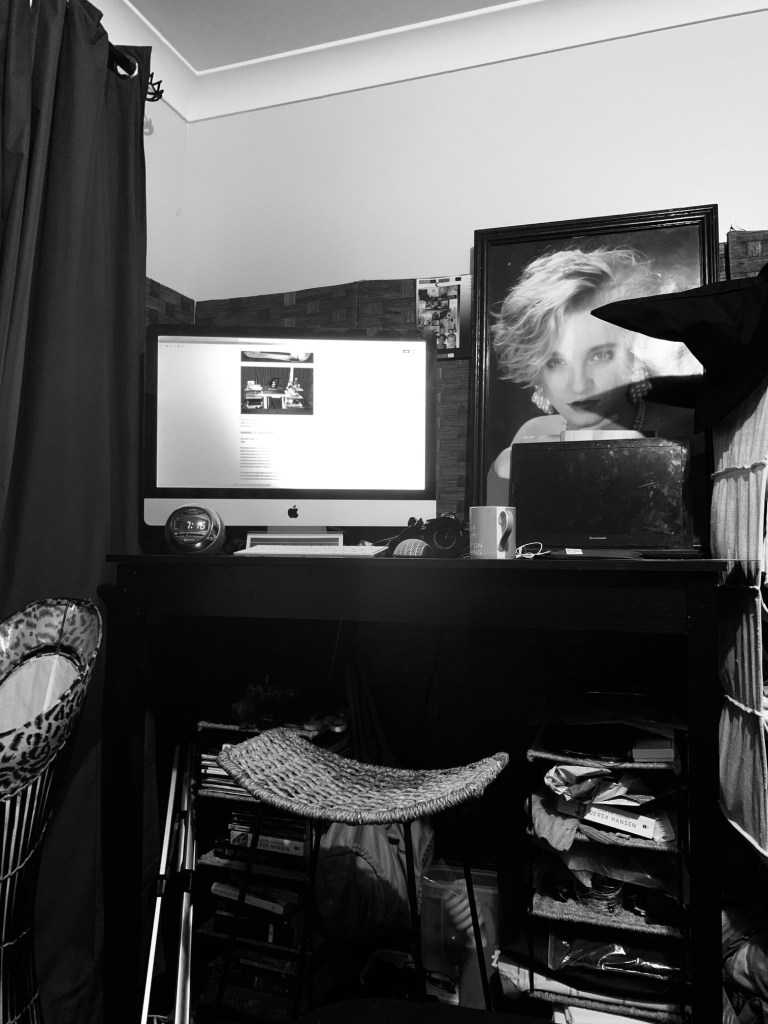
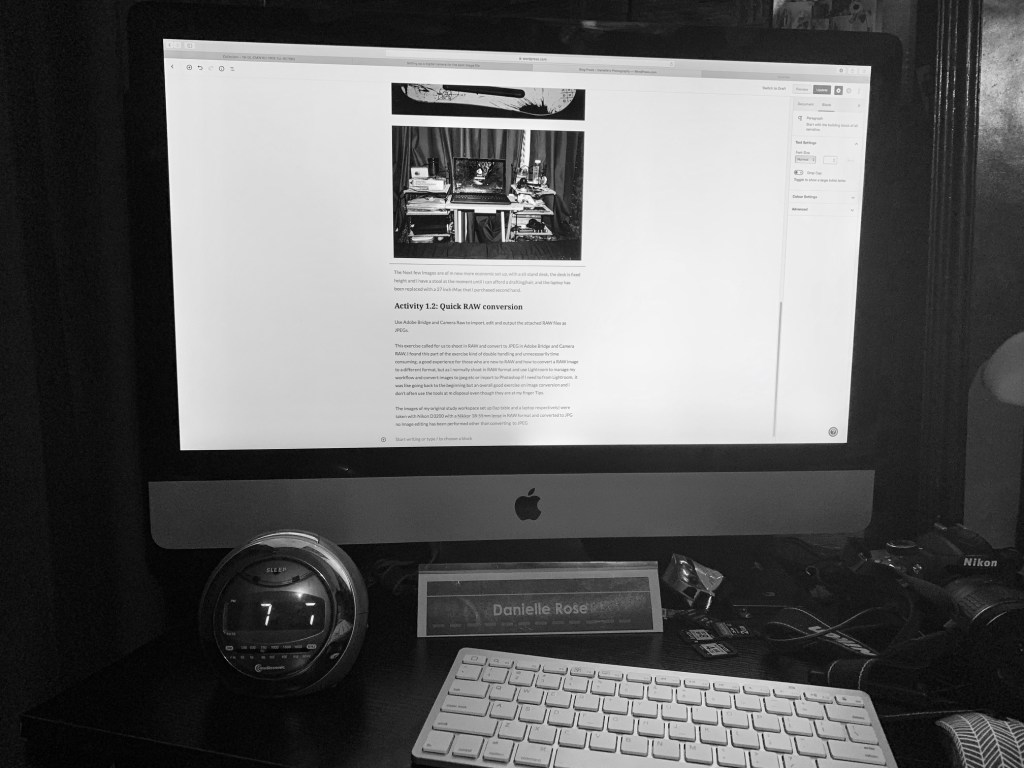
The Next few Images are of my newer, more ergonomic set up, with a sit stand desk, the desk is fixed height and i have a stool at the moment until i can afford a matrix drafting chair from Officeworks, and the laptop has been replaced with a 27 inch iMac that i purchased second hand. The larger screen size makes it easier to view what i’m reading and editing and the colour calibration and management is a lot better than my old dying laptop which sadly no longer connects to the internet and the track pad works sometimes.
Activity 1.2: Quick RAW conversion
Use Adobe Bridge and Camera Raw to import, edit and output the attached RAW files as JPEGs.
This exercise called for us to shoot in RAW and convert to JPEG in Adobe Bridge and Camera RAW, I found this part of the exercise kind of double handling and unnecessarily time consuming, a good experience for those who are new to RAW and how to convert a RAW image to a different format, but as I normally shoot in RAW format and use Lightroom to manage my workflow and convert images to jpeg etc or import to Photoshop if I need to from Lightroom, it was like going back to the beginning but an overall good exercise on image conversion and i don’t often use the tools at m disposal even though they are at my finger Tips.
The images of my original study workspace set up (lap table and a laptop respectively) were taken with Nikon D3200 with a Nikkor 18-55mm lense in RAW format and converted to JPG no Image editing has been performed other than converting to JPEG

