Activity 6.1: Retouch or remove distractions from an image using Lightroom
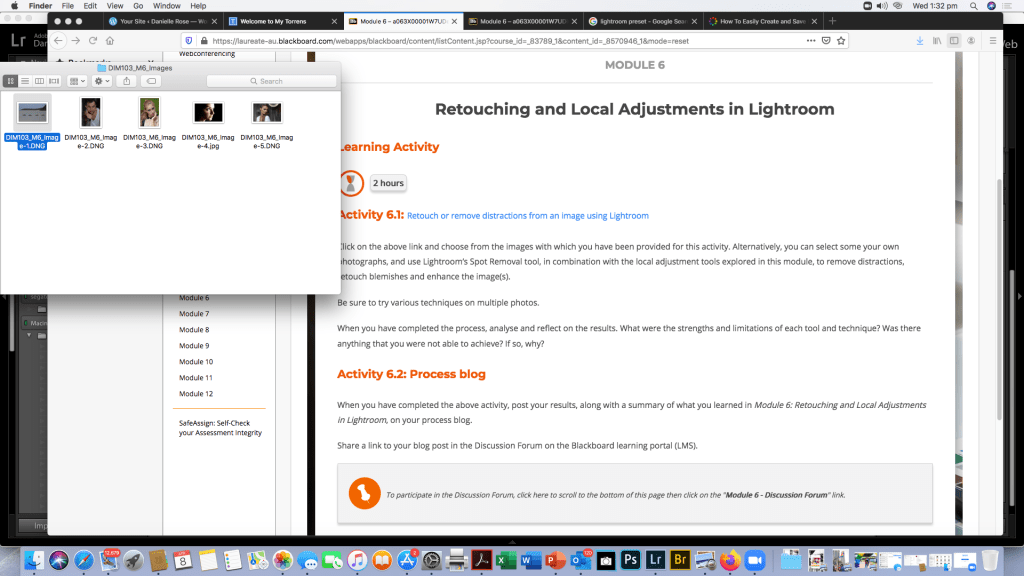
Click on the above link and choose from the images with which you have been provided for this activity. Alternatively, you can select some your own photographs, and use Lightroom’s Spot Removal tool, in combination with the local adjustment tools explored in this module, to remove distractions, retouch blemishes and enhance the image(s).
Be sure to try various techniques on multiple photos.
When you have completed the process, analyse and reflect on the results. What were the strengths and limitations of each tool and technique? Was there anything that you were not able to achieve? If so, why?
Retouching an Image in Lightroom
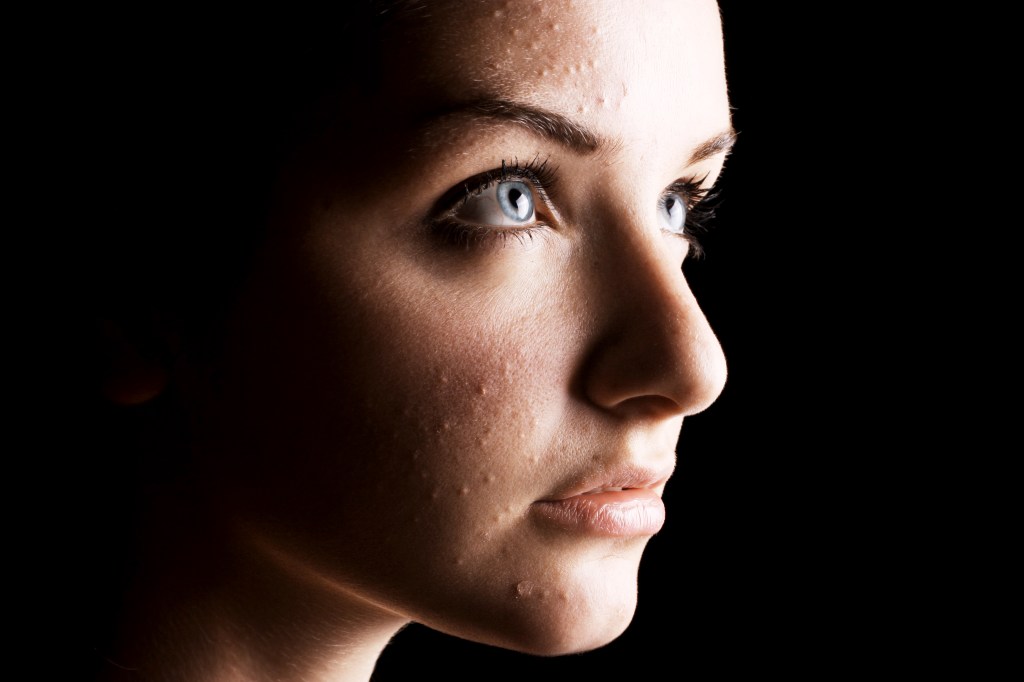
So for this exercise the first image I’ve chosen is the above portrait from the files given to us for the exercise, and I will be removing the blemishes from the models face. This file is a JPG file so there is a limited amount of editing i can do do enhance the quality but i can use the heal spot tool to remove blemishes.
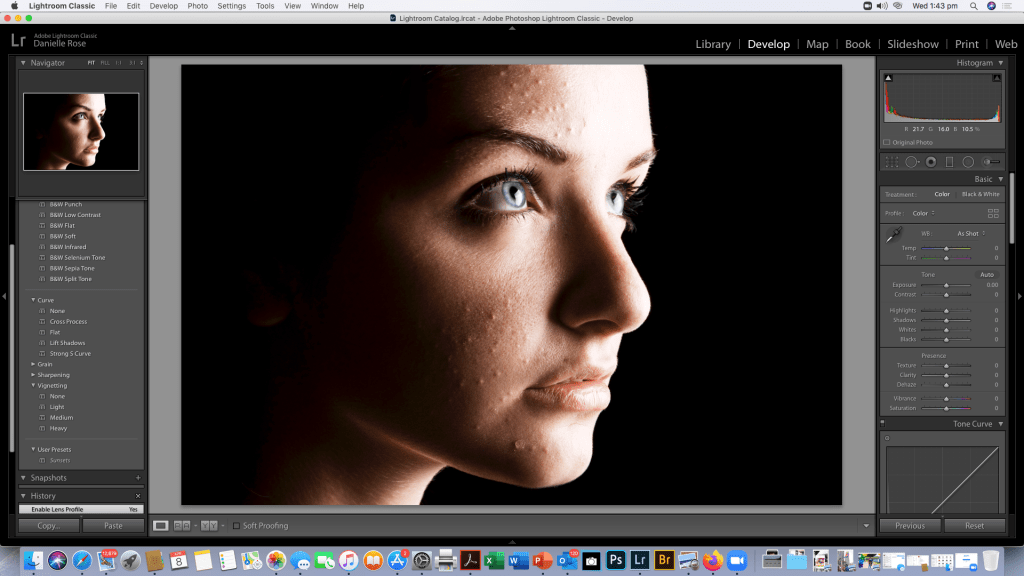
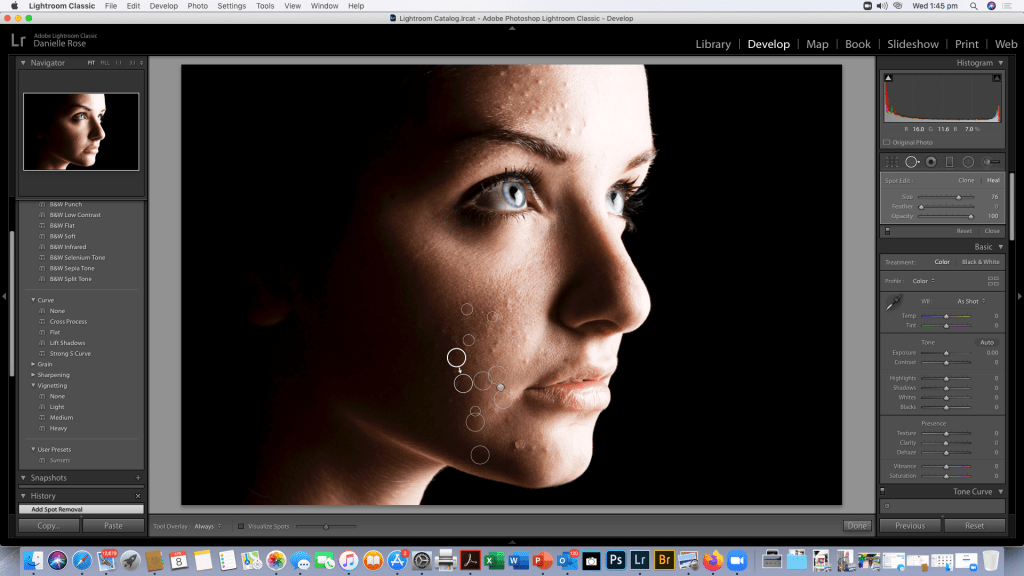
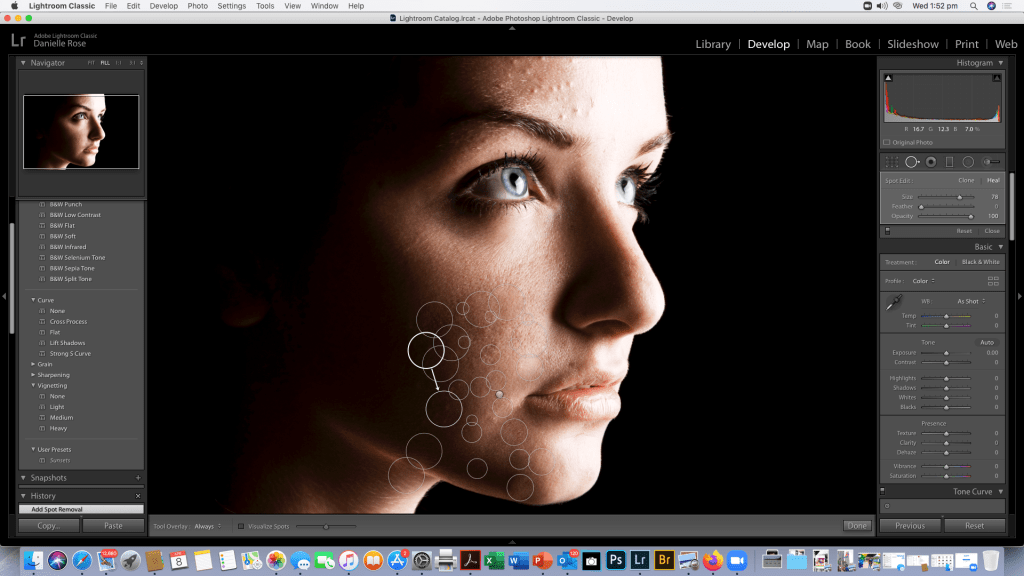
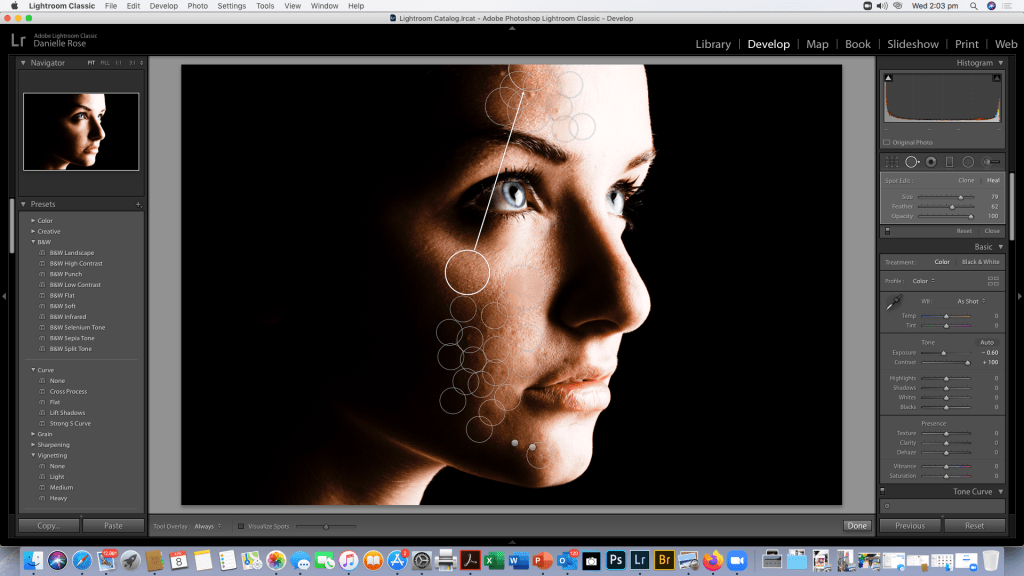
Being a Jpeg there are limitations to the adjustments you can makeand the changes are noticable with the noise in the image as adjustments are being made which makes the healing tool grab some crazy pigments and it’s limited to how may blemishes on her skin i can retouch, normally i would do this in Photoshop and create a mask and additional layers, so to take the noise distraction away I had a little play with filters.
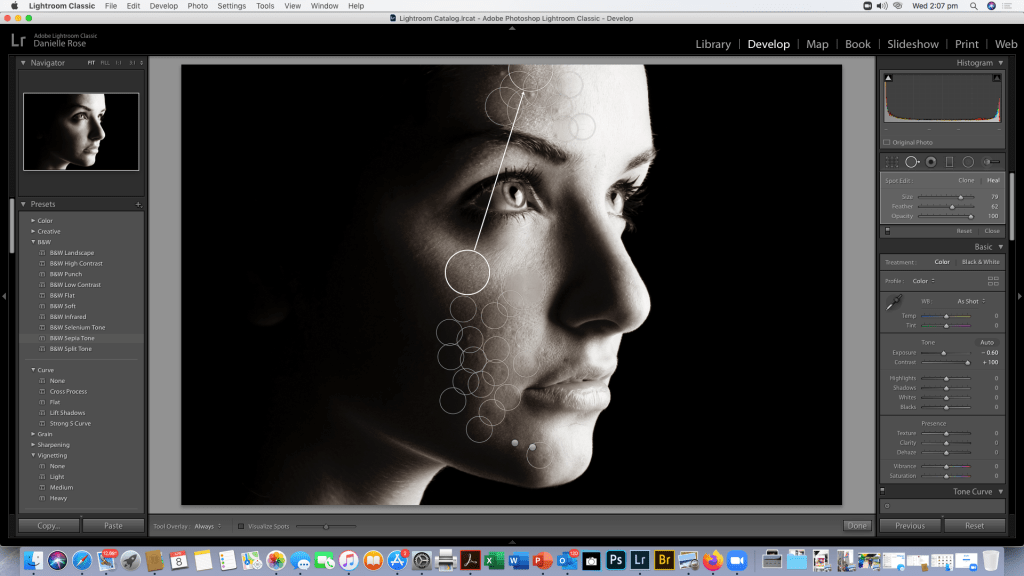
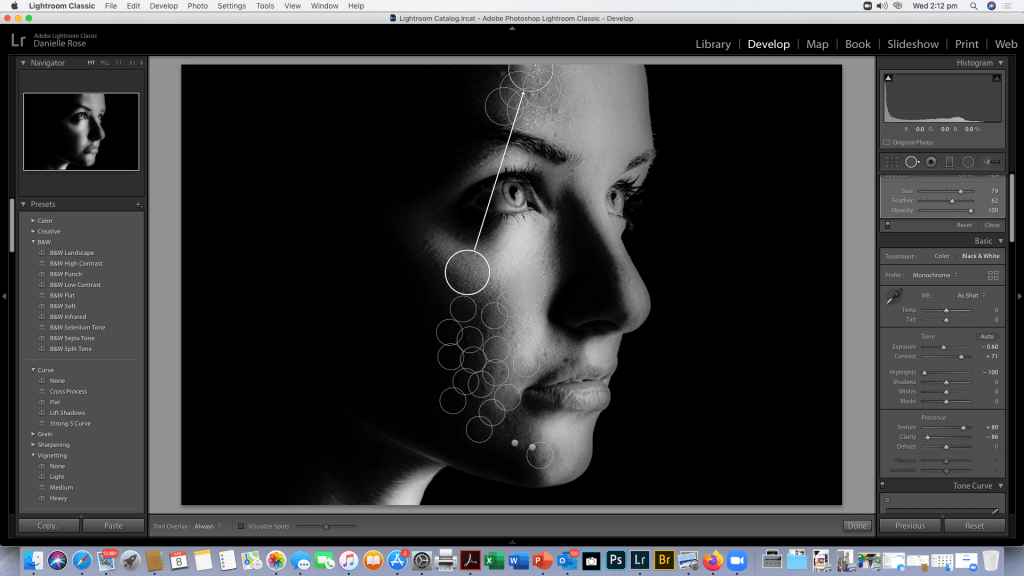
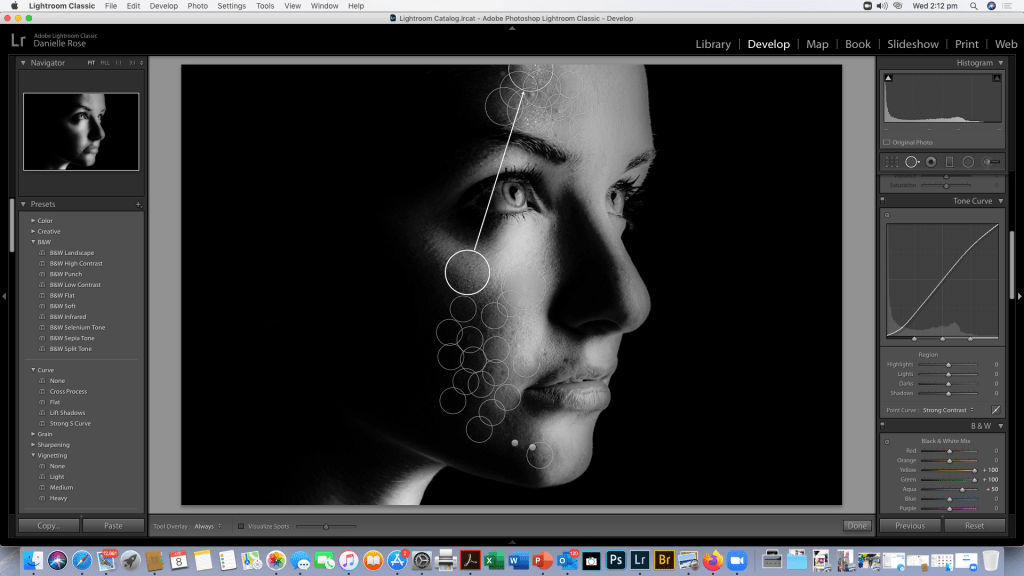
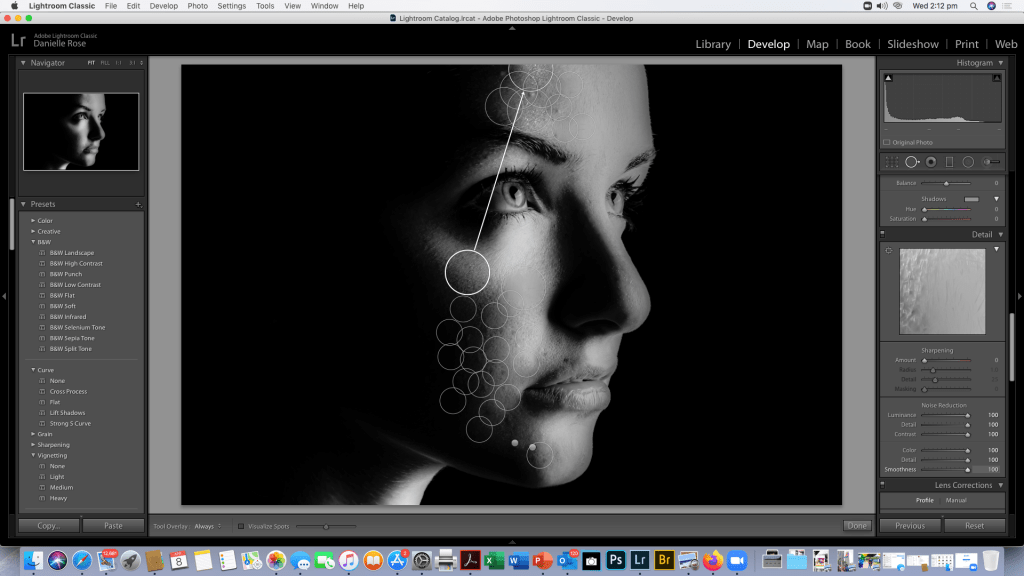
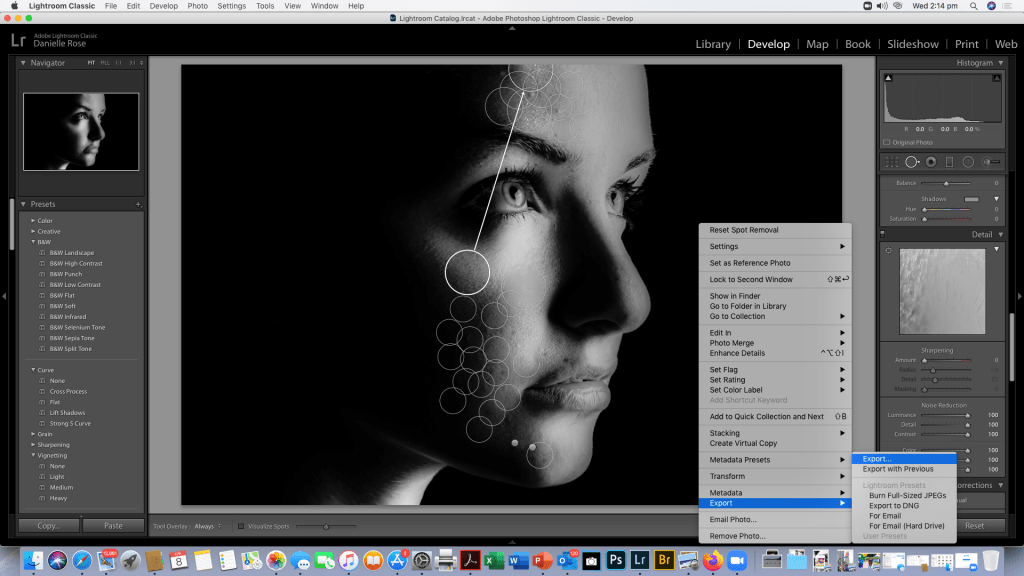
I converted the image to black and white as that’s my particular preference using the presets Infrared preset and adjust the contrast and noise before saving it .
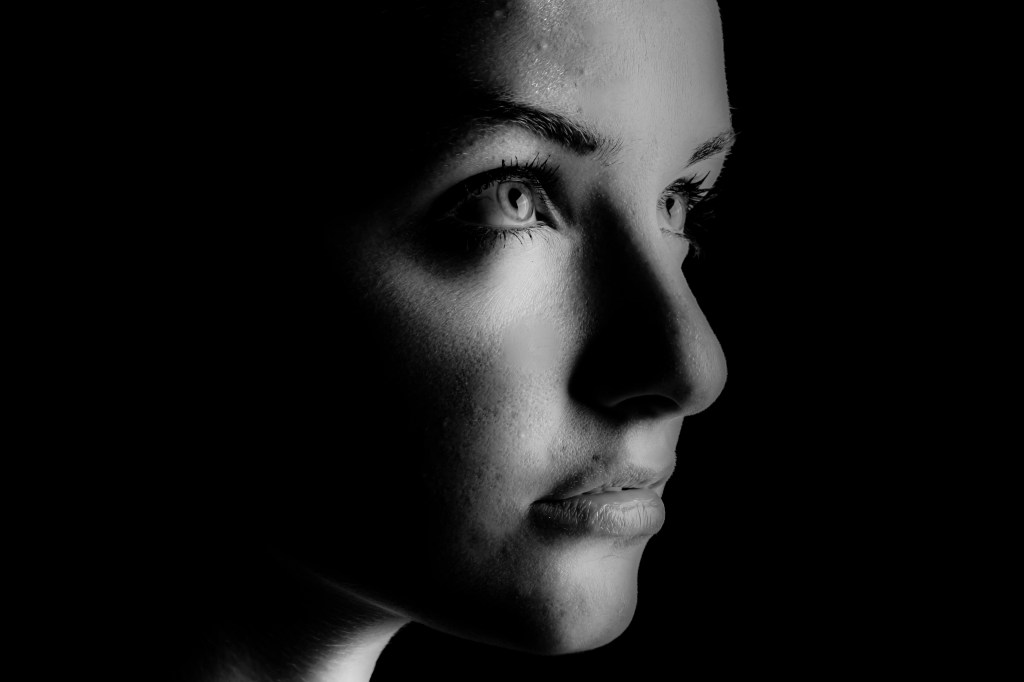
Being a JPEG there are some obvious points where you can see blemish removal and Lightroom is limited in this way, I’d use Lightroom to retouch or heal spots in a landscape but not on a portrait i would normally use my Anthropics software or Photoshop if i had a lot of time on my hands. The out come would have been slightly better if I’d had a RAW DNG to work with.
To illustrate my point there was a landscape and a few other portraits in DNG format that i will have a play with and upload in part 2 of this post.

